Home › Posture › The Complete Guide
PosturePosture Correction for Remote Workers: The Complete Guide
Desk posture isn’t a discipline problem; it’s an environment problem. This guide covers the four-point self-check, a nearly-free desk setup, the eight exercises that reverse the slump, and a four-week plan to make upright your default.
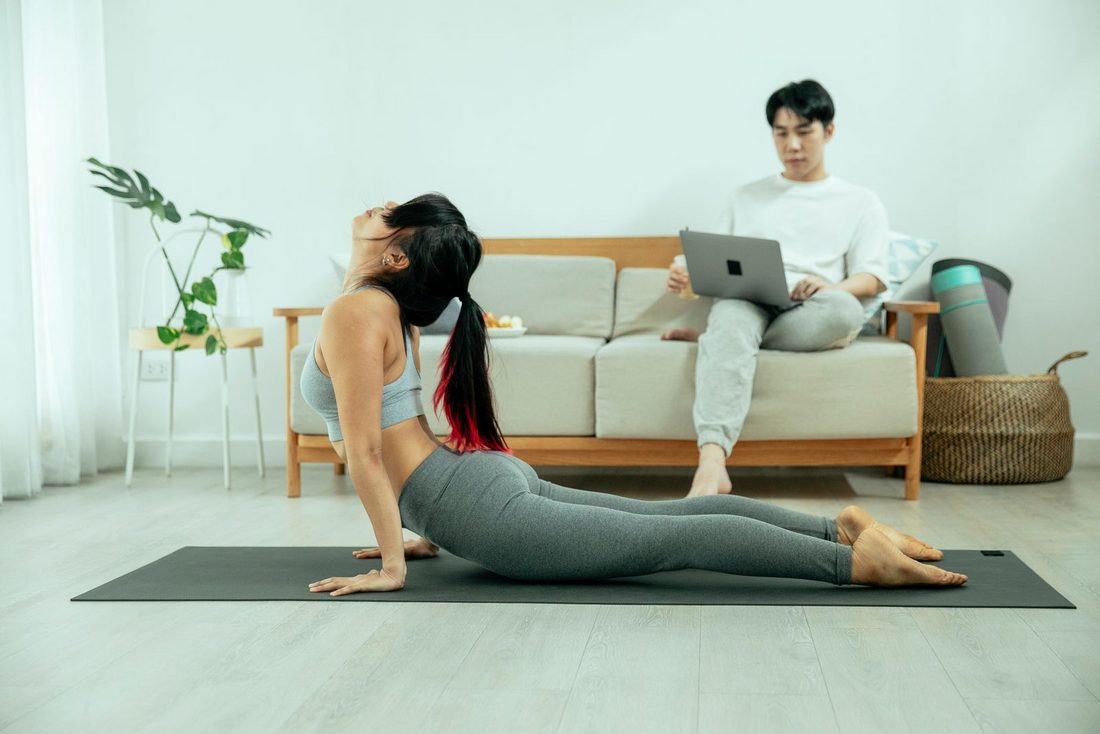
You’ve tried sitting up straight. It lasted four minutes, cost you focus, and by the next call you were folded over the keyboard again, neck tight, shoulders rounded. It isn’t a willpower problem. Picture instead the day upright feels automatic: screen at eye level, chest open, feet grounded, and a 15-minute reset that makes the good position the easy one. Posture correction for remote workers fails in a predictable way: someone buys a brace, wears it for a week, feels virtuous, and slumps harder the moment it comes off. Posture isn’t a position you hold by willpower. It’s the shape your body returns to when you stop thinking — and that shape is set by your environment (screen height, chair, habits) and your muscle balance (what’s tight, what’s asleep). Fix the environment once, rebalance the muscles over four weeks, and “good posture” stops being a performance. This guide is the desk-side companion to our tiny apartment home gym guide: same tiny footprint, same quiet movements, aimed at the eight hours you’re not training.
Step 1: The four-point self-check
Stand against a wall, heels two inches out, and notice which points touch: the back of your head, your shoulder blades, your tailbone, and your calves. In a balanced posture all four make easy contact with your chin level. If your head only touches when you force it back, your chest is tight and your deep neck muscles are undertrained — the classic desk pattern. Take a side photo against the wall monthly; it’s the cheapest progress tracker there is. No wall judgment applies: this is information, not a grade.
Step 2: Fix the desk (once, for almost $0)
- Screen height: top third of the screen at eye level. Laptop users: a stack of books plus an external keyboard beats a $300 stand you’ll never adjust.
- Screen distance: roughly an arm’s length. Leaning in to read is head-forward posture with extra steps; increase font size instead.
- Chair: feet flat (a box or books under them if they dangle), hips at or slightly above knees, lower back supported by a small cushion. You don’t need a $900 chair; you need these three angles.
- Keyboard and mouse: elbows near 90 degrees, wrists floating or lightly resting — not planted and bent upward all day.
- The 30-minute rule: no chair fixes stillness. Stand, walk, or do one block of the 15-minute desk routine every half hour or so. Movement is the ergonomic intervention; furniture just makes it easier.
Step 3: The eight corrective exercises
These target the desk pattern precisely: lengthen what’s tight (chest, hip flexors, front of neck), strengthen what’s quiet (mid-back, glutes, deep neck flexors). All are silent and floor-friendly, drawn from the same library as our silent apartment workouts.
- Chin tucks — the deep neck flexor wake-up. 2×10 daily.
- Doorway chest stretch — opens the pecs that pull shoulders forward. 2×30 s/side.
- Band pull-aparts — mid-back endurance. 3×12–15.
- One-arm rows — the heavy posture lift; load it progressively. 3×10/side, twice weekly.
- Glute bridges — reverses chair-shaped glutes and unloads the lower back. 3×12.
- Hip flexor stretch (half-kneeling) — undo eight hours of sitting flexion. 2×40 s/side.
- Cat-cow + thoracic extensions — segment-by-segment spine mobility. 2 minutes.
- Dead bugs — core control without sit-up neck strain. 3×8/side.
Step 4: The four-week reset plan
| Week | Focus | Daily dose |
|---|---|---|
| Week 1 | Environment | Fix the desk setup; chin tucks + chest stretch once daily |
| Week 2 | Wake-up | Add pull-aparts, glute bridges, hip flexor stretch; full 15-min routine 3× this week |
| Week 3 | Strength | Add loaded rows and dead bugs; 15-min routine daily on workdays |
| Week 4 | Default | Full set inside your normal weekly apartment plan; re-take the wall photo and compare |
Most people report the first change isn’t visual — it’s that sitting upright stops feeling like work around week two or three. The photo changes a few weeks later. That order is normal; you’re retraining a default, not posing for a picture.
What about posture braces and fancy chairs?
Braces hold you in position without making you stronger, and muscles outsource the job while you wear one — the opposite of the goal. Use one, if at all, as a short daily reminder (20–30 minutes) while doing the exercises above, never as the strategy. Expensive chairs are comfort purchases: fine if you love them, unnecessary for posture. A $25 lumbar cushion plus screen height plus movement beats a $900 chair you sit motionless in for nine hours.
FAQ
How long does posture correction actually take?
Most desk workers feel upright sitting get easier within two to three weeks of daily work, with visible changes in photos around four to eight weeks. It’s retraining a habit your body practiced for years, so think in weeks, not days — but the daily dose is only 15 minutes.
Can exercise alone fix my posture without changing my desk?
Partly — strength work helps a lot. But fifteen minutes of correction against eight hours of a low screen is an uphill fight. Raise the screen, support your back, and move every half hour; those one-time fixes multiply everything the exercises do.
Is sitting really that bad if I work out?
Training helps enormously, but it doesn’t fully cancel eight still hours; the pattern that matters is total daily movement. The strongest combination is regular workouts plus frequent short breaks — which is why this site pairs a home gym with desk routines.
When should I see a professional instead?
If pain persists beyond a few weeks, worsens, follows an injury, or comes with numbness, tingling, or weakness, skip the internet routines and see a qualified clinician. This guide is general information, not a diagnosis or treatment.

Written by Alex Rivera
Seven years of remote design work from small apartments informs every setup measurement and exercise pick in this guide. About Alex and how this site works.